
Have you read the first two parts of my review? If not, here you go!
—
The following are pictures I’ve taken with my Pixel 2. None of them have been edited, although a few have used the Portrait Mode feature. If you’re wondering which ones are Portrait Mode, look for blurred edges around the people. Machine Learning isn’t great at discerning hair from the background just yet, so be on the lookout for that and you’ll find it.
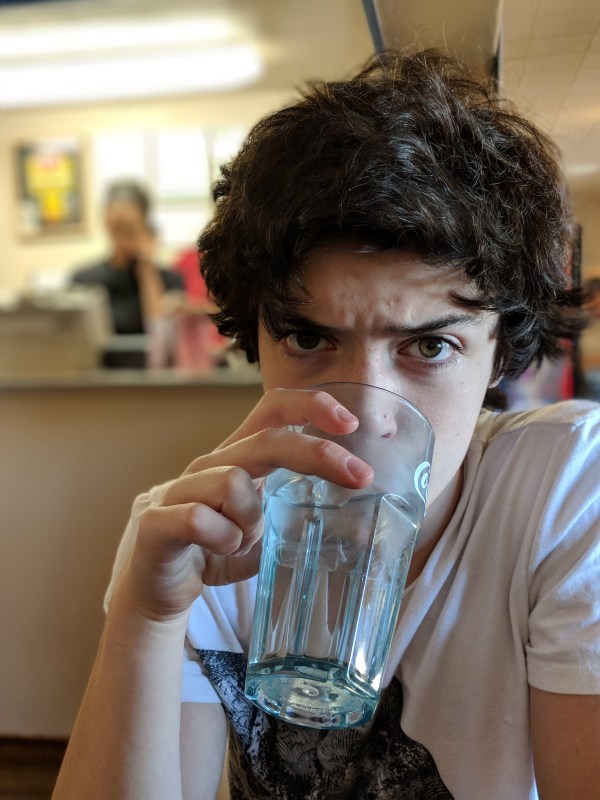
The featured picture, above, is of my little brother. This is an example of Portrait Mode on the Pixel 2. He’s perfectly in focus, while the background (and some of his hair) isn’t. By the way, when you use Portrait Mode, the phone saves a blurred version like the one you see above, as well as an un-blurred (ie regular) version.

Here’s my aunt and myself, enjoying Portrait Mode on the front-facing camera. As you can see, there was a girl between us in the back. Google recognized a face and made sure not to blur it. I doubt this would’ve happened had we taken the photo with the back camera, as it would’ve seen that girl was farther away.
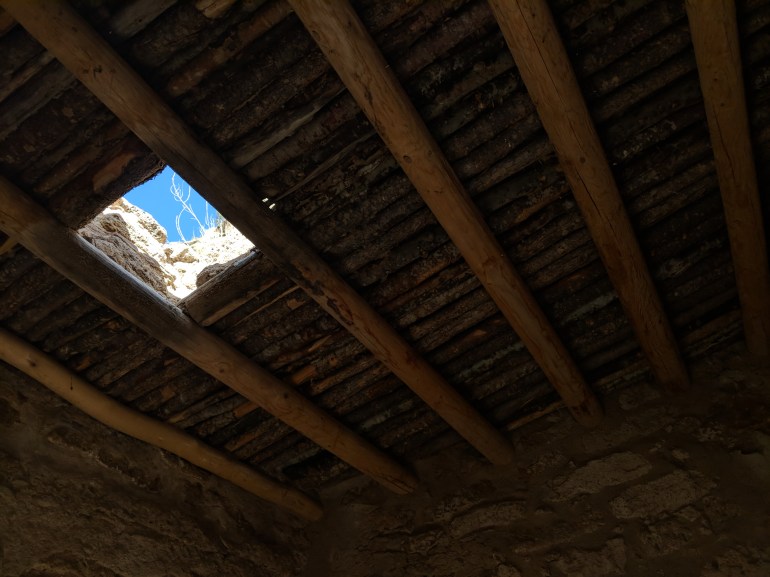
This one is a great example of HDR+ on the Pixel 2. This little hut was dark as hell, and the day was bright and cloudless. I stuck the phone in through a little window, snapped a quick picture with no flash with HDR+ turned on, and there you have it.

Portrait Mode also works on cats!

Dark night, bright fireworks, no problem.
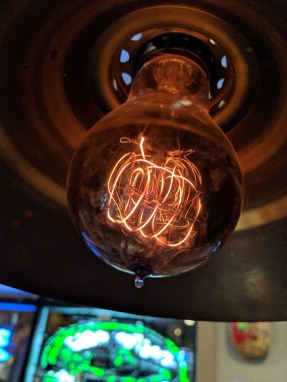
For me, this is just a great example of the colors and depth and detail the Pixel camera can pick up. No Portrait Mode or anything on this one. I pointed and I shot.

Big man, little dog, Portrait Mode. This is my favorite picture of my grandfather, by far.
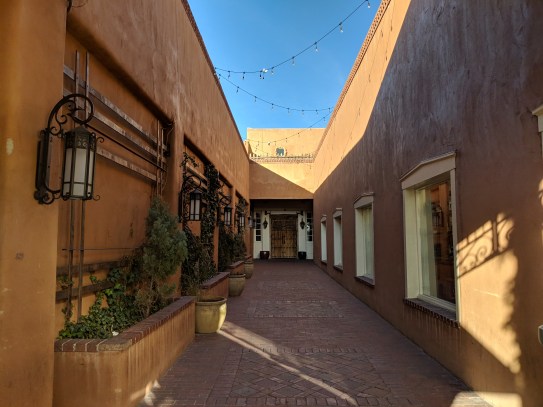
Santa Fe is always beautiful. Looks like summer, right? Dead of winter.
 Thou Art